
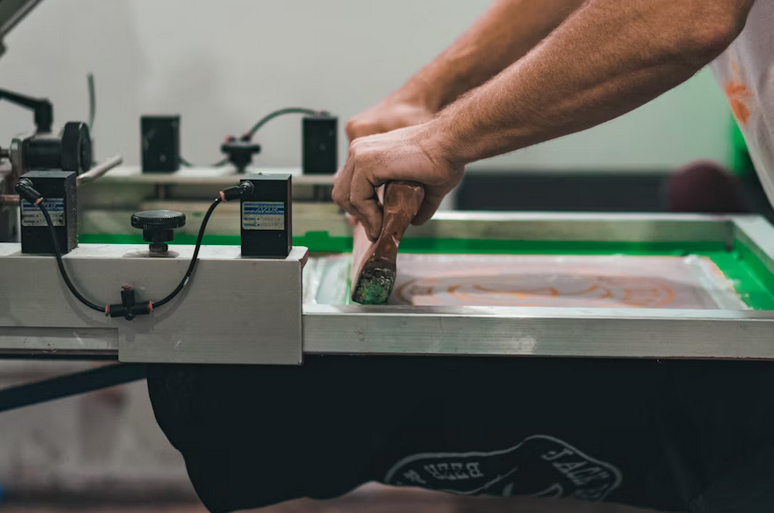
Preparing files correctly is crucial for achieving sharp, vibrant results in DTF printing. Even minor errors in resolution, color settings, or layering can compromise the final output, resulting in prints that look dull or blurred. Many printers rely on trusted dtf gang sheets to streamline the production process and maintain consistency across multiple designs. Following best practices in file preparation ensures that every detail of a design is accurately reproduced, from fine lines to bold colors. This article highlights essential techniques and tips to help both beginners and professionals create high-quality, precise DTF prints every time.
Use High Resolution and Correct File Formats
High resolution is crucial for sharp DTF prints. Raster images should be at least 300 DPI, while vector files are preferred for logos or text heavy designs because they scale without losing clarity. Common compatible formats include PNG for images with transparency and PDF or AI for vector artwork. Low-resolution files or incompatible formats can result in pixelated prints or distorted shapes. Maintaining the correct file resolution and format ensures that every detail appears crisp in the final transfer, producing professional, eye-catching results.
Pay Attention to Color Profiles and Contrast
Color accuracy plays a major role in the visual impact of DTF prints. Artwork should be prepared using standard color profiles compatible with the printer, such as sRGB or CMYK, depending on the workflow. High contrast between elements improves visibility and ensures designs remain legible on different fabrics. Testing colors before printing allows adjustments to account for differences in material and ink absorption. By managing color profiles and contrast, you can prevent dull or inaccurate colors that compromise the transfer’s overall quality.
Include Proper Bleed and Safe Zones
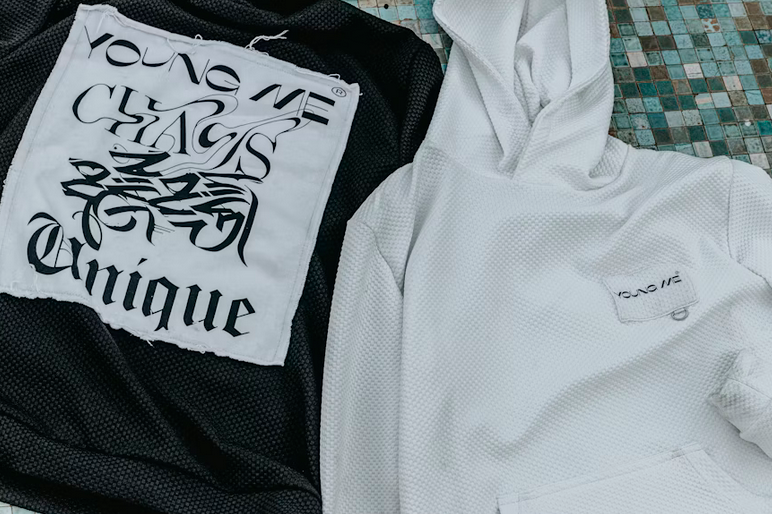
Files should include bleed areas that extend beyond the design edges to prevent unwanted white borders after trimming. Safe zones keep important text or elements away from edges where they might be cut off. Properly setting bleeds and safe zones is essential, especially for prints that cover the entire transfer area. This careful planning ensures that the final print looks complete, polished, and professional, avoiding frustration or the need for reprints due to misalignment.
Organize Layers and Outline Text
Organizing layers and outlining text simplifies the printing process and prevents errors. Layers allow designers or printers to adjust elements independently without affecting the entire design. Converting text to outlines ensures fonts appear correctly, even if the printer does not have the original typeface installed. Removing unnecessary layers or hidden elements reduces file complexity, making the transfer process smoother and minimizing the risk of errors. Clear, organized files contribute to more predictable, higher-quality outcomes.
Sharp, professional DTF prints begin with well-prepared artwork. High-resolution files, correct formats, accurate color profiles, proper bleed and safe zones, and organized layers all contribute to optimal results. Attention to these best practices ensures that every transfer maintains clarity, vibrant color, and precise detail. By investing time in file preparation, printers and designers can reduce errors, improve consistency, and produce transfers that faithfully represent the original …