
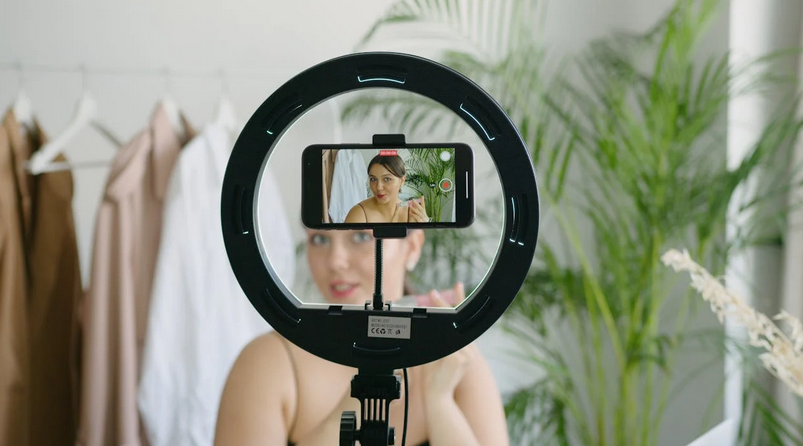
Picture this: you’re finally ready to share your talent with the world through TikTok Live, but instead of going viral, you’re going crazy trying to fix technical glitches. You’re not alone in this struggle. Millions of creators face similar roadblocks that can turn an exciting live stream into a frustrating nightmare. These technical hiccups can make or break your connection with viewers. For that reason, GetAFollower TikTok Live views review is important to consider if you plan to buy viewers for your upcoming live. Let’s dive into the most common issues that plague TikTok Live sessions and understand why they happen.
Audio and Video Synchronization Issues
Nothing kills the vibe faster than watching someone’s lips move three seconds before hearing their voice. Audio lag during live streams is like trying to watch a badly dubbed movie – it’s jarring and pushes viewers away quickly. This synchronization problem often stems from poor internet connectivity or overloaded device processors struggling to handle real-time data transmission. Your phone might be working overtime, juggling video encoding, audio processing, and data upload simultaneously. The result is a choppy, disjointed experience that makes even the most engaging content feel amateur. Many creators don’t realize that closing background apps and switching to airplane mode briefly before going live can significantly reduce these sync issues.
Connection Drops and Stream Interruptions
Just as you’re hitting your stride and viewers are flooding in your stream suddenly cuts out. These unexpected disconnections are perhaps the most maddening technical problem creators face on TikTok Live. Your internet might seem stable for regular browsing but live streaming demands consistent bandwidth that many home networks struggle to provide. Background downloads, other family members streaming Netflix, or simply being too far from your router can cause these interruptions. The platform automatically tries to reconnect, but those precious seconds of downtime often send viewers clicking away to other streams. Smart creators test their connection strength beforehand and have backup plans ready, like switching to mobile data if their WiFi starts acting up.
Poor Video Quality and Pixelation
The blurry, pixelated video makes even the most attractive creators look like they’re broadcasting from inside a potato. Low video quality during live streams usually results from insufficient upload bandwidth or automatic quality adjustments by TikTok’s servers. The app automatically reduces video quality when it detects connection instability, prioritizing stream continuity over visual clarity. Lighting conditions also play a crucial role – dim environments force your camera to work harder, creating grainy footage that compression algorithms struggle to handle smoothly. Many creators mistakenly blame their phone’s camera quality, but the real culprit is often inadequate internet speed or poor environmental conditions. Professional streamers know that good lighting and stable internet matter more than having the latest smartphone.
Audio Problems and Echo Effects
Crystal clear audio can make viewers forgive average video quality, but poor sound will drive them away faster than you can say “can you hear me now?” Echo effects during TikTok Live often occur when creators use …